


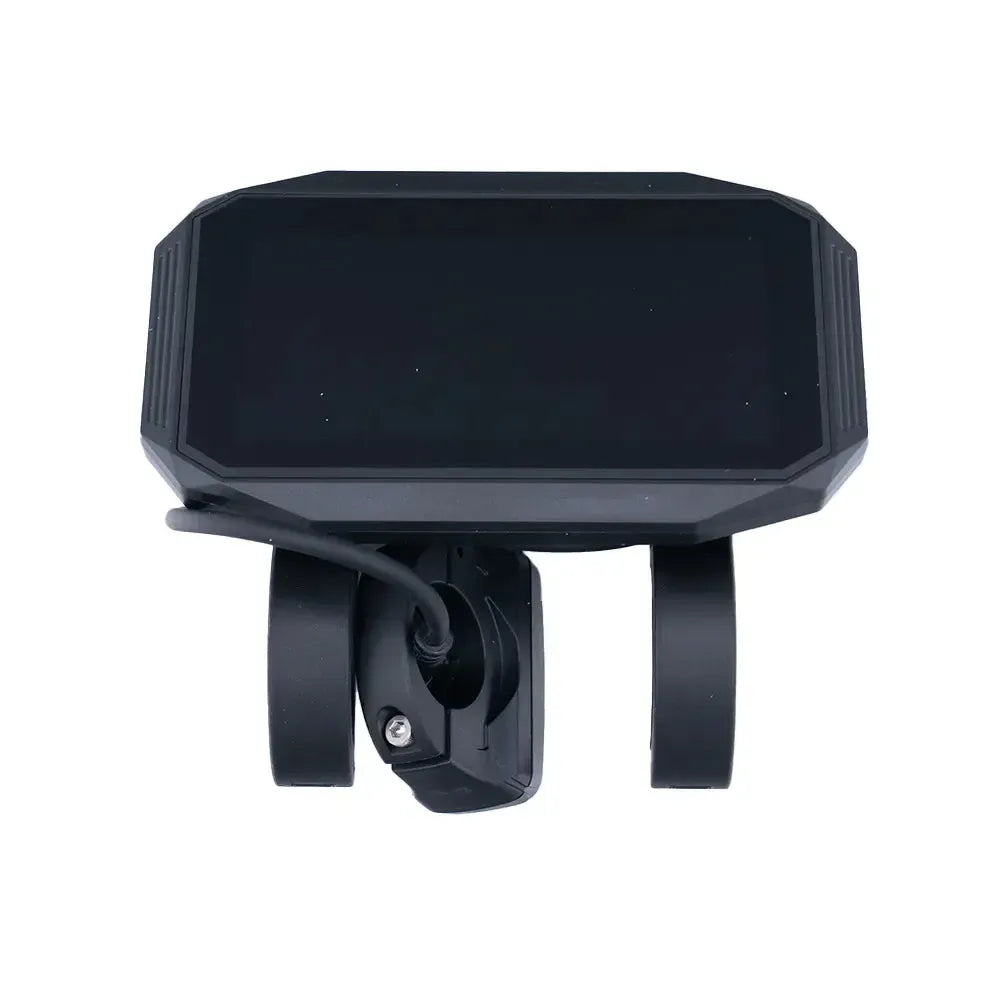
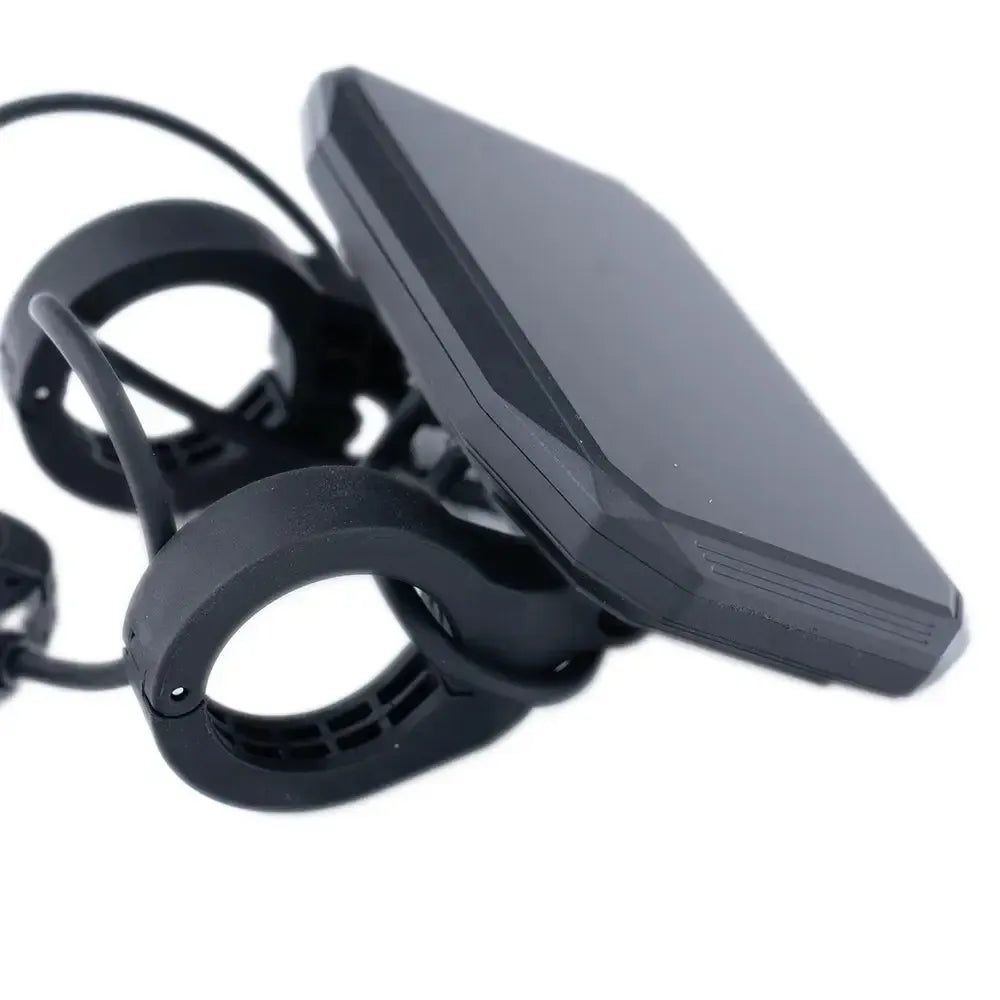
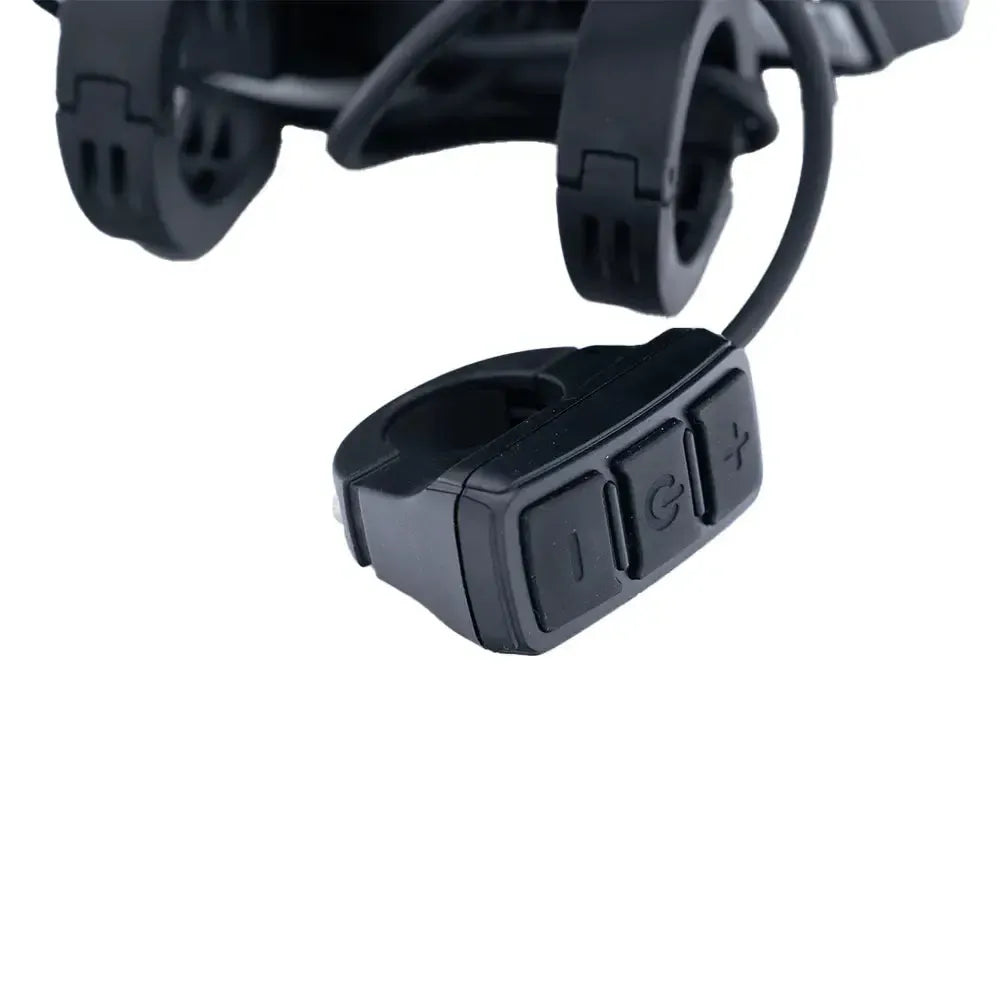
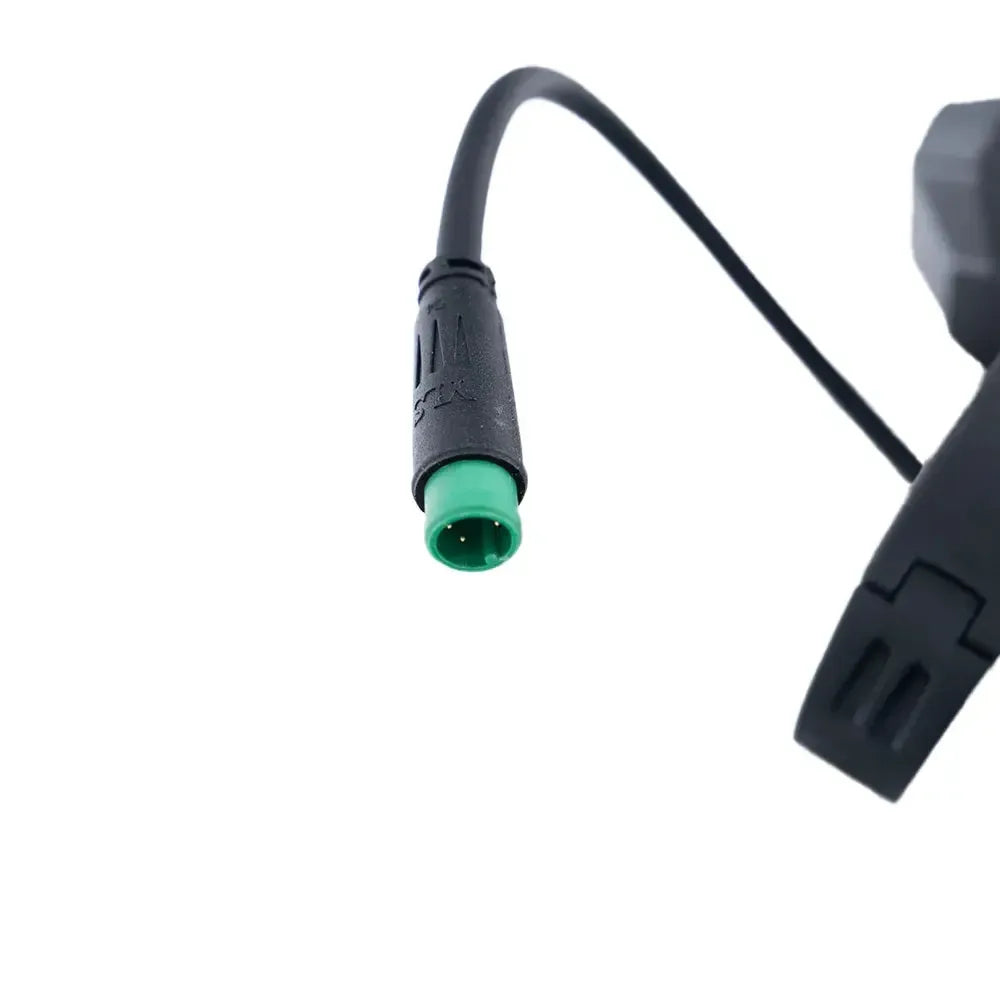
V20 - Display 500 watt
£41.05
£43.67
6% discount
Estimated delivery time 1-2 weeks
-
- Up to 2 years’ warranty
- Lowest Price Guarantee

V20 - Display 500 watt
Sale price
£41.05
Regular price
£43.67
Description
The display is an essential tool on your QM WHEELS V20, allowing you to view important information such as speed, battery status, and riding mode at a glance. Over time, the display may function less effectively due to heavy use or damage, which can affect ease of use. Replacing a defective or outdated display ensures you always stay in control during your rides. With the original QM WHEELS V20 display, you are guaranteed accurate and reliable performance, so you can keep riding without any issues.


Popular products
View now
V20 - Black
£1,149
£1,299
12% discount
Estimated delivery time 2-3 weeks
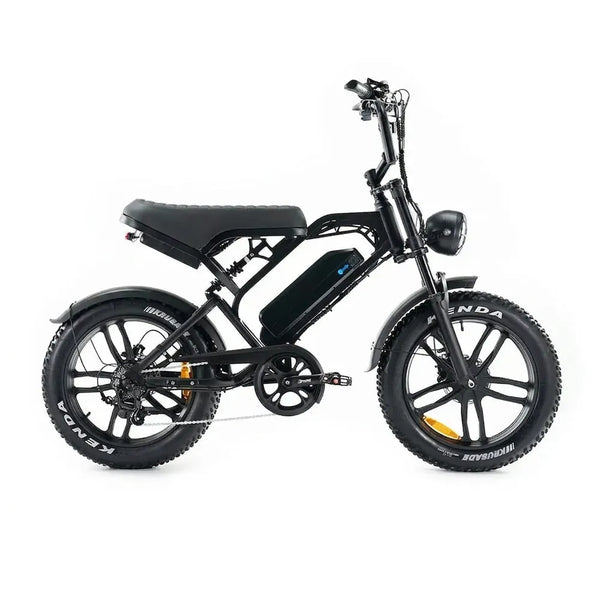
V20 Pro - Black
£1,099
£1,249
13% discount
Estimated delivery time 2-3 weeks

Ouxi V8 Ultra - Black
£1,099
£1,249
13% discount
Estimated delivery time 1-2 weeks

OUXI C80 - Black
£1,049
£1,199
13% discount
Estimated delivery time 1-2 weeks
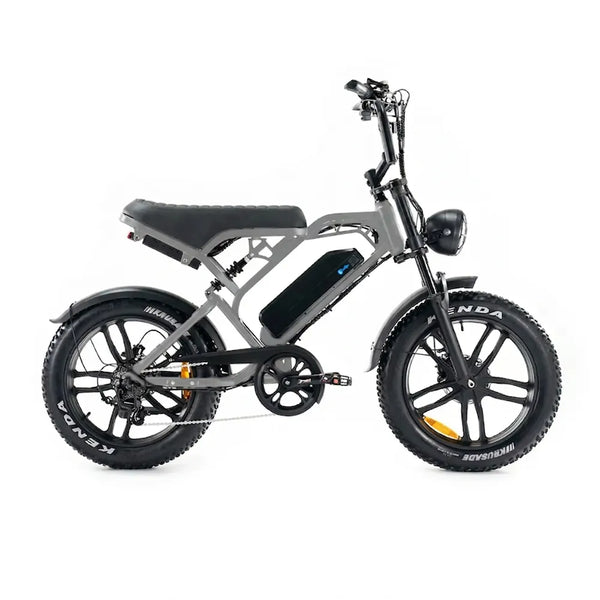
V20 Pro - Gray
£1,099
£1,249
13% discount
Estimated delivery time 2-3 weeks

OUXI C80 MAX (Double Battery) - Black
£1,249
£1,399
11% discount
Estimated delivery time 1-2 weeks

V20 Pro Mini - Black
£949
£1,049
10% discount
Estimated delivery time 2-3 business days

V20 Limited - Black
£1,149
£1,299
12% discount
Estimated delivery time 2-3 business days
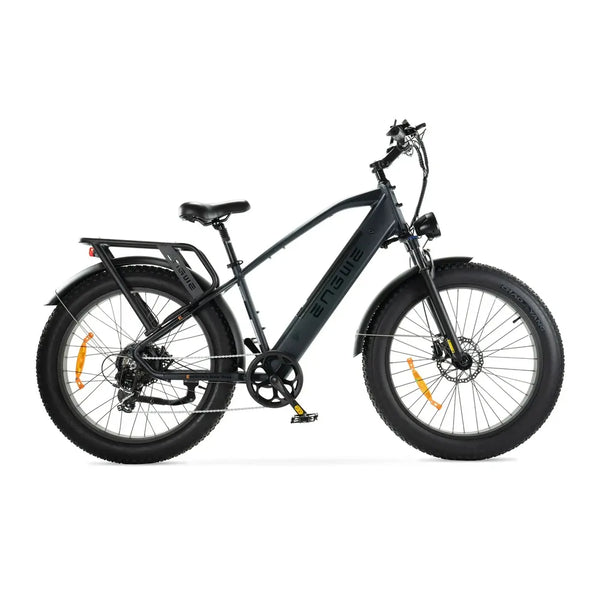
ENGWE E26 - High Step - Black
£1,399
£1,549
10% discount
Estimated delivery time 2-3 business days
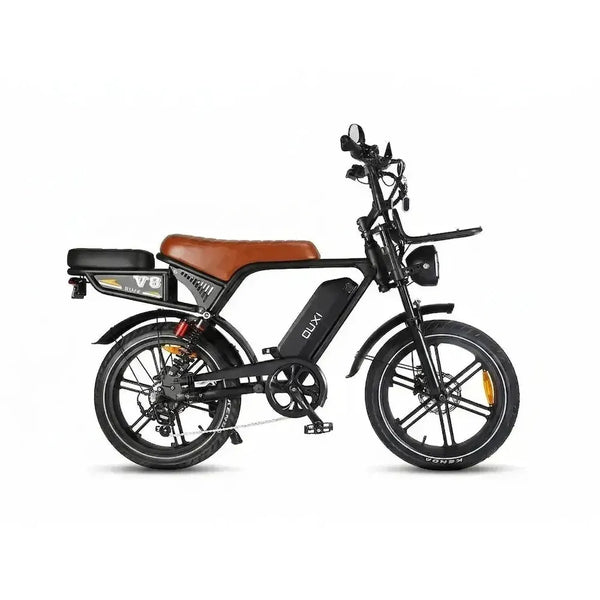
Ouxi V8 Ultra - Black - Brown Saddle
£1,099
£1,249
13% discount
Estimated delivery time 2-3 business days
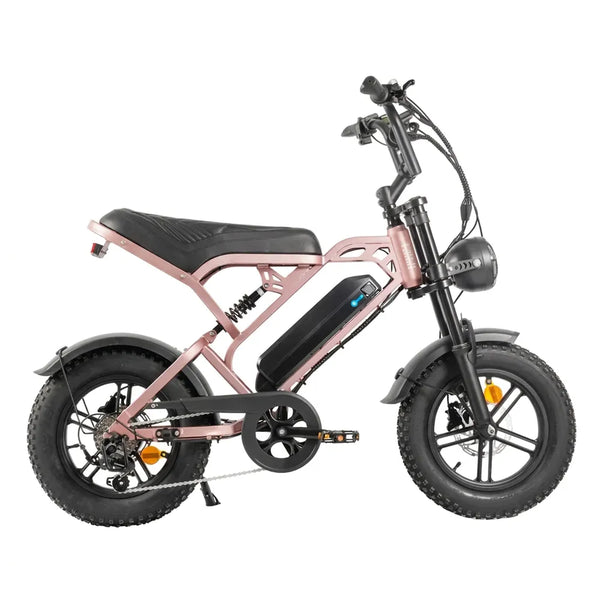
V20 Pro Mini - Rose Gold
£949
£1,049
10% discount
Estimated delivery time 2-3 business days
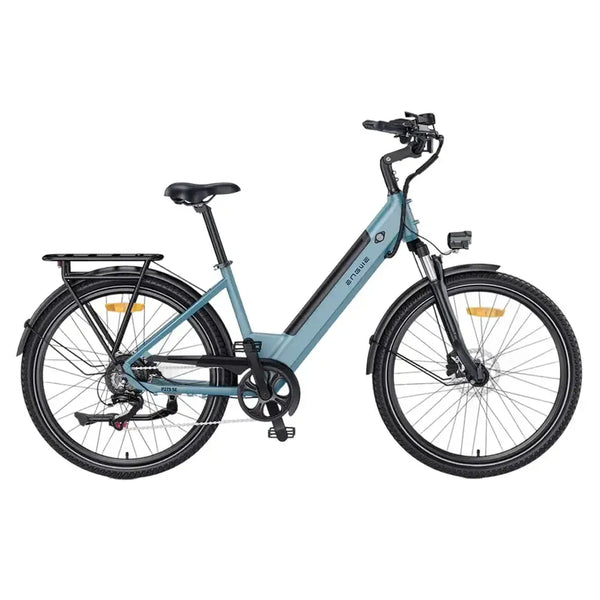
ENGWE P275 SE - Blue
£1,249
£1,399
11% discount
Estimated delivery time 2-3 business days